Your Entertainment Reimagined
Say hello to GigLoca! Your go-to app for spotting and setting up the most buzz-worthy events in your area!


Say hello to GigLoca! Your go-to app for spotting and setting up the most buzz-worthy events in your area!
GigLoca helps users find entertainment and venues in their area, while supporting local businesses and talent by creating opportunities for venues and artists to collaborate in creating amazing experiences for their fans.
View the results in a split-screen format featuring both the map and the results list. Utilize the quick links in the Hot Topics bar to refine your search results. Click on the split-screen bar to toggle between a full or half map view. Select the pins or cards for additional details!
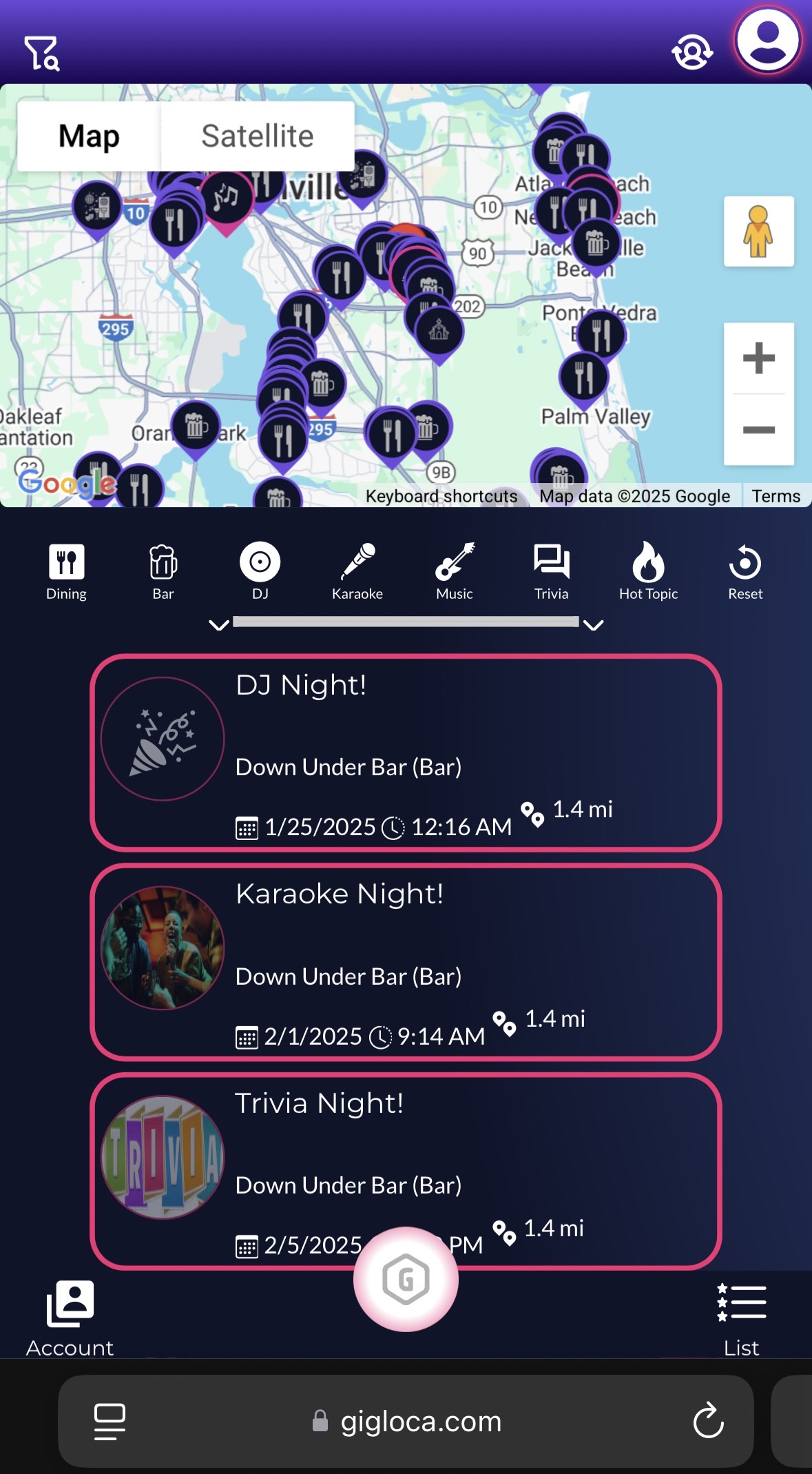
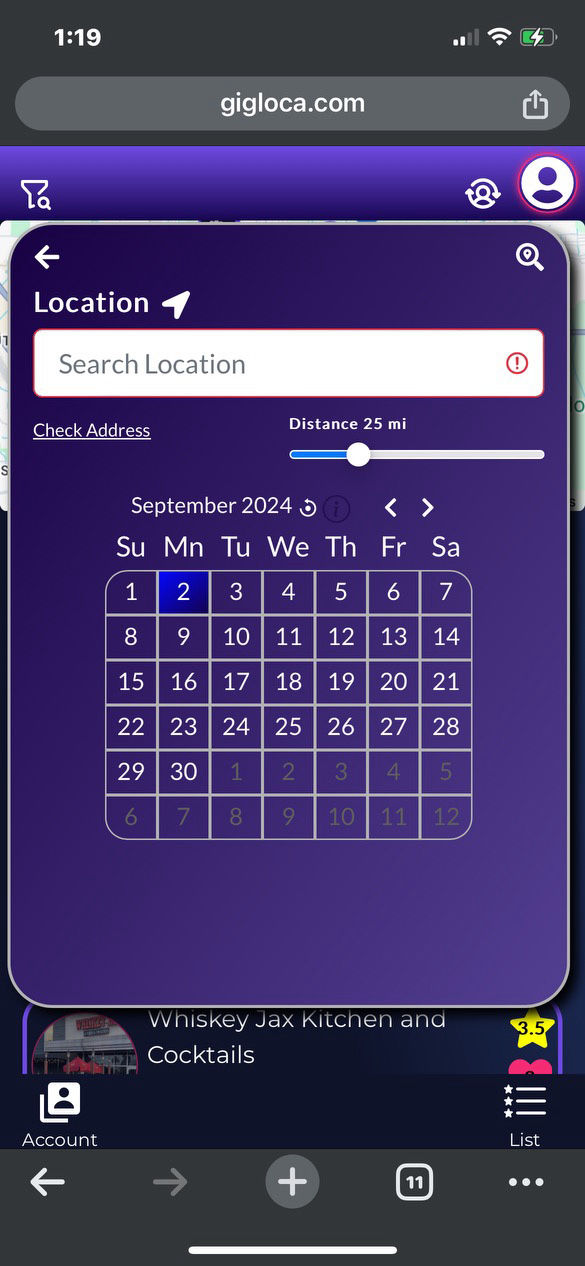
Use the Search and Filter Menu at the top to change your search criteria. Change your location and tap the "Check Address" to initiate the change. Change the Distance to change your scope. Select a different date range to look into the future. Return to the map view to see your results. Fans with accounts have even more features!
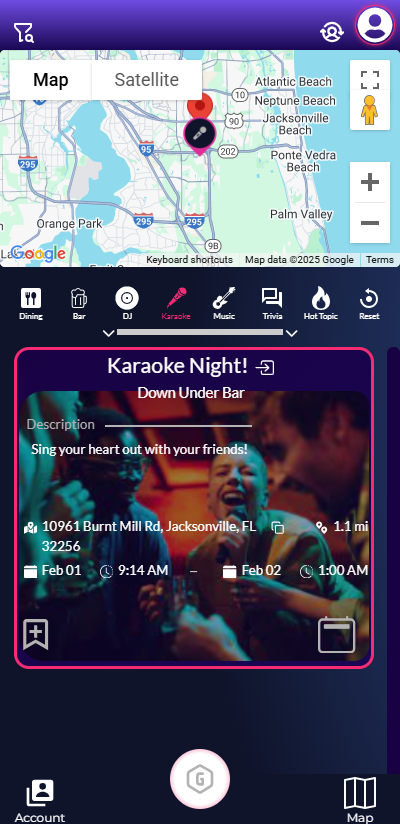
Found your area? Now, find your spot. Explore the results using the app features. Utilize the quick filters in the Hot Topics section. Transition between full map and half map views effortlessly. Click on the Pins in either view to explore further. Tap the venue or event name to uncover additional details. Experiment with various tricks and features available. Share your thoughts with the world if you enjoy what you see, wish to attend an event, or want to follow a venue. Don't forget to leave a rating to inform others about what they can expect.
Designed with Mobirise website themes